
Tap to Pay
Take Payments With Your Phone
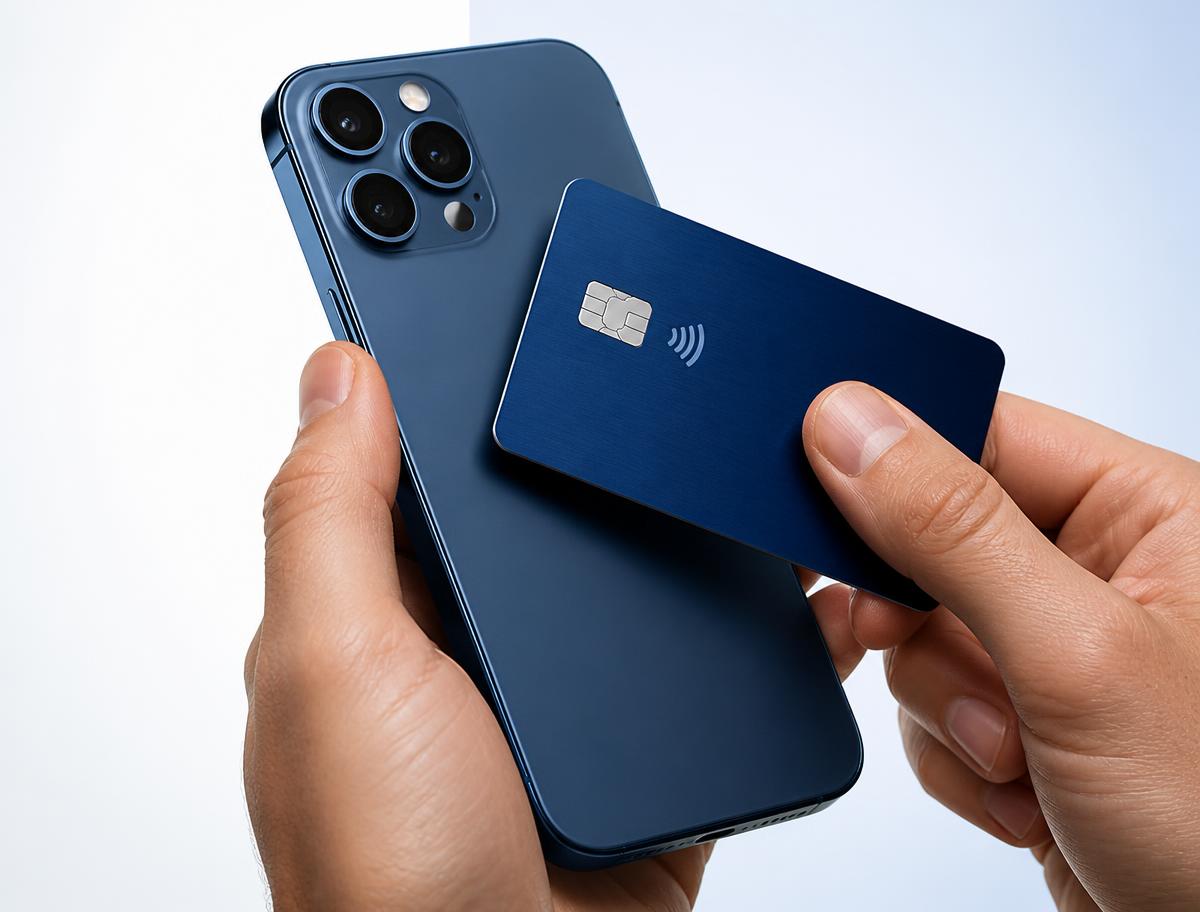
Turn a compatible iPhone or Android device into a contactless payment acceptance device — without carrying a traditional card terminal.
The solution uses Dejavoo Tap to Pay / iPOSGo technology. Device, operating-system and program eligibility apply; not every phone is supported.
Built for Businesses That Move
Common use cases for phone-based contactless acceptance.
How It Works
Open the payment application.
Enter the transaction.
Customer taps an eligible contactless card or wallet.
Transaction is securely processed.
Merchant receives transaction reporting.
What Merchants Get
- No traditional terminal required
- Accept eligible contactless cards
- Accept supported digital wallets
- Fast setup for mobile and field-service businesses
- Transaction reporting from the payment application
Good to know
Contactless acceptance depends on the device, operating-system version and the card or wallet the customer presents. Availability and features are subject to underwriting and program eligibility. Card-brand rules and applicable laws apply.
Ready to Take Payments From Your Phone?
We'll confirm device eligibility and walk through pricing and setup.